Training
Glider Pilot Training Software
Link programmes, exercises, instructor evidence and progress cards to confirmed flights.
The boundary
The problem
Training records
A separate training card asks instructors to rewrite a flight that Operations already knows about. Corrections then drift apart.
The model
Inputs, owner and outcomes
Connected club records
Source facts
Programme Confirmed flight Instructor ExercisesOwned consequences
Lesson Progress Signature TransferThe workflow
Four clear steps
Training workflow
-
01
Plan
Training programme
Define syllabi and exercises without rewriting old progress records. -
02
Fly
Confirmed flight
Create the lesson record from the confirmed operational movement. -
03
Sign
Instructor sign-off
Record progress and instructor sign-off with a visible history. -
04
Correct
Training corrections
Apply corrections without erasing the previous training record.
Real product
Built and running locally
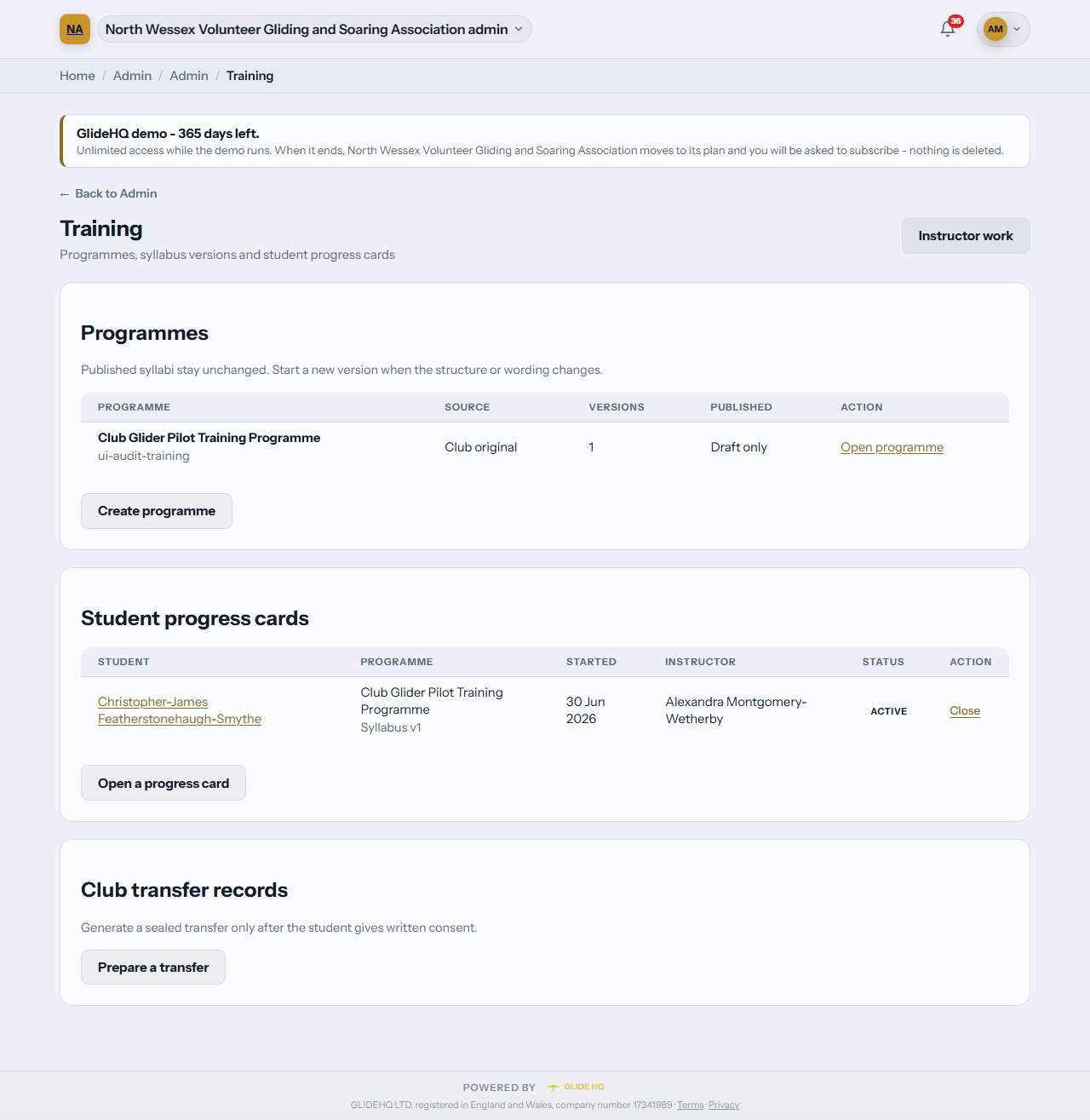
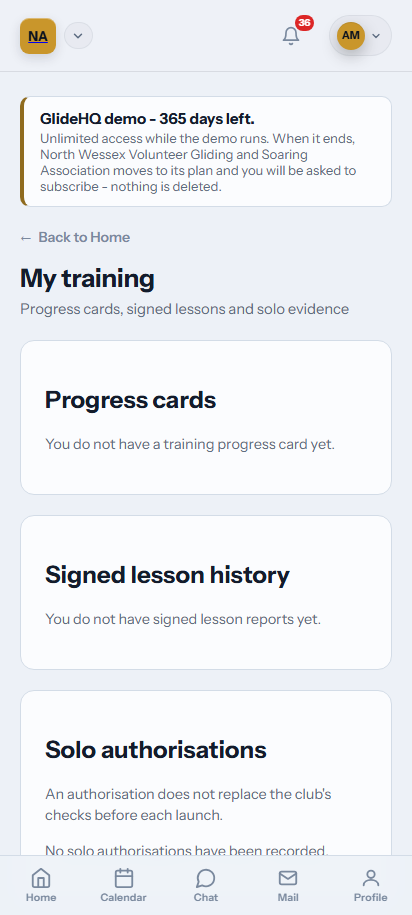
Training screens
The screen uses generated club records. It contains no live member or club data.
What it covers
Training features
- 01
Versioned programmes, syllabi and exercises.
- 02
Confirmed-flight lesson records.
- 03
Instructor signatures and correction history.
- 04
Consent-controlled training transfer exports.
Pilot programme
Training questions
Tell us where your current process breaks. Pilot conversations start with the workflow, not a sales script.
Join the pilot