Product tour
Gliding Club Software Product Tour
The tour follows a normal club flight. It shows what GlideHQ records, what people decide and what changes after confirmation.
Prepare
Before the launch queue opens
Flying-day setup
Members, qualifications, aircraft and airfield details already have a home. Operations receives the current facts without copying them into another record.
One operational flight
Flight queue
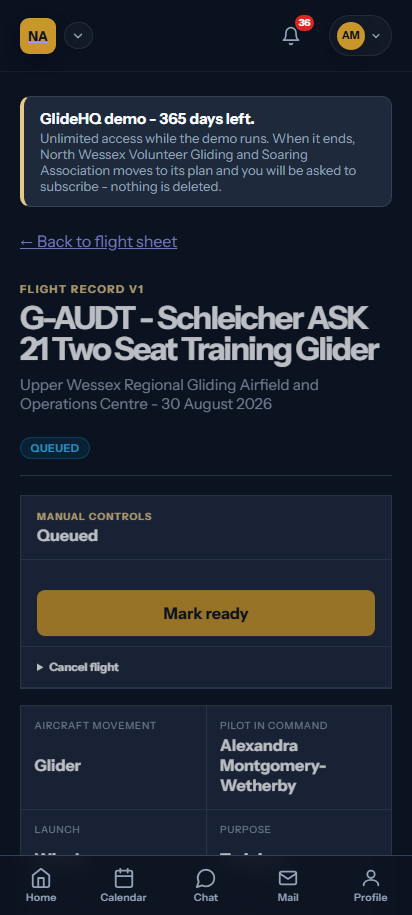
The planned flight moves from queue entry to launch and landing in one aggregate. Aerotow keeps linked glider and tug movements, with separate aircraft, pilots, usage and charges.
Suggestions, never authority
Flight tracking
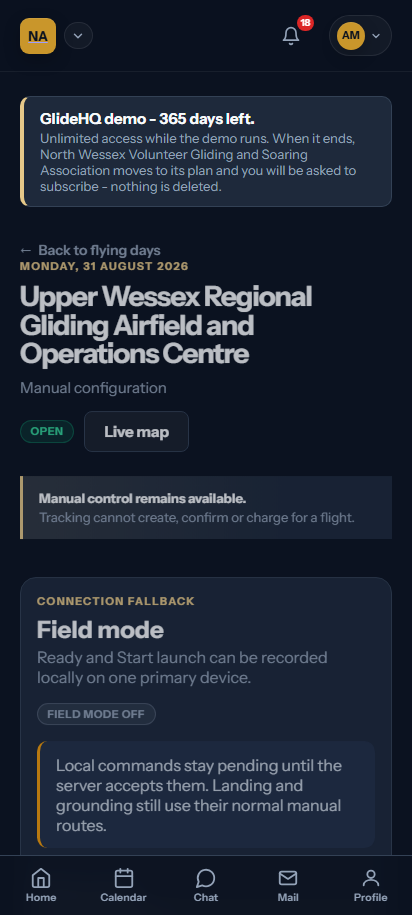
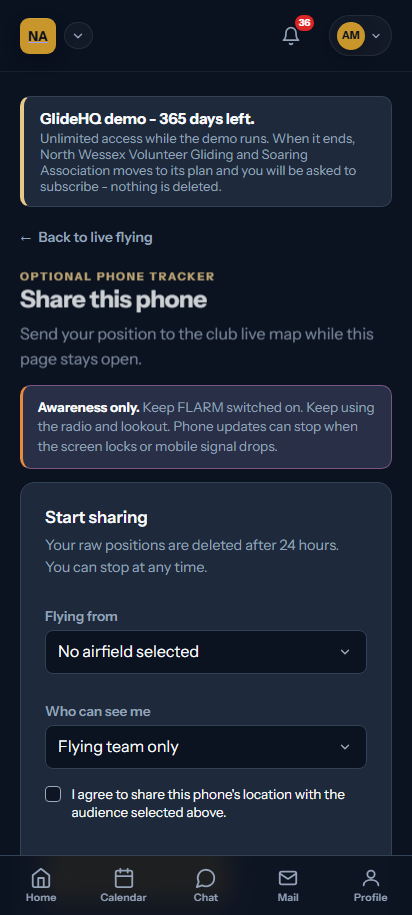
Phone sharing and approved tracker links can suggest take-off, landing and possible matches. They cannot create or confirm the flight. They cannot charge a member or update aircraft usage.
The authoritative point
Flight confirmation
Ambiguity stays visible. A reviewer checks the evidence, resolves the flight facts and confirms the record. GlideHQ keeps the decisions and reasons for later review.
A consequence with its own owner
Training record
Training keeps its own programmes, progress and instructor evidence. It does not ask the instructor to recreate the operational movement.
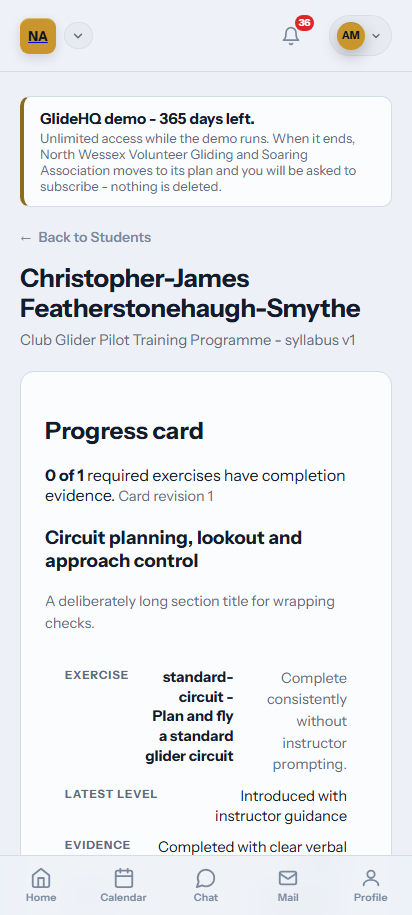
One fact, several owned outcomes
Flight consequences
- 01Fleet
Aircraft usage receives the confirmed movement.
- 02Training
The lesson starts from the real flight.
- 03Recency
Pilot history and projections use confirmed facts.
- 04Billing
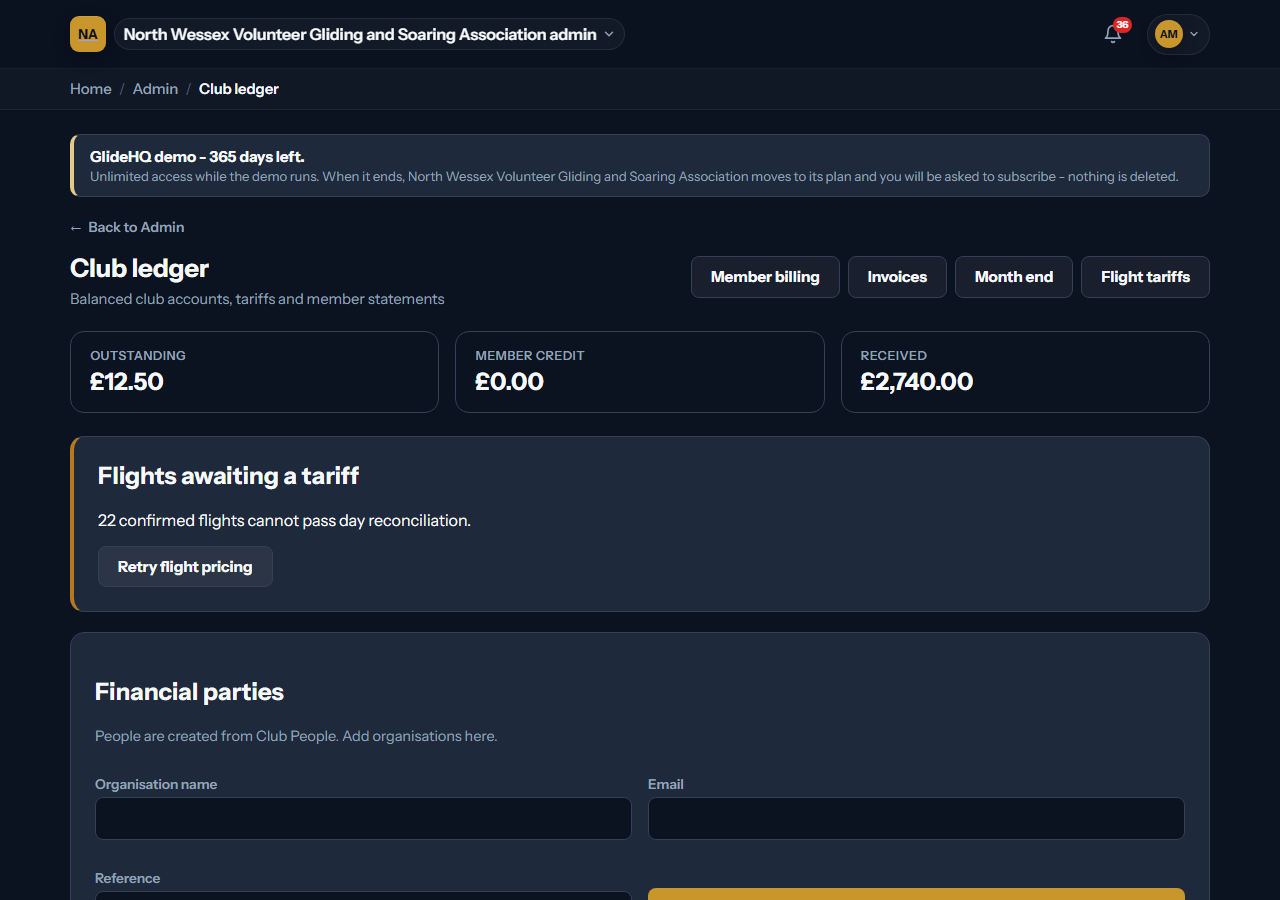
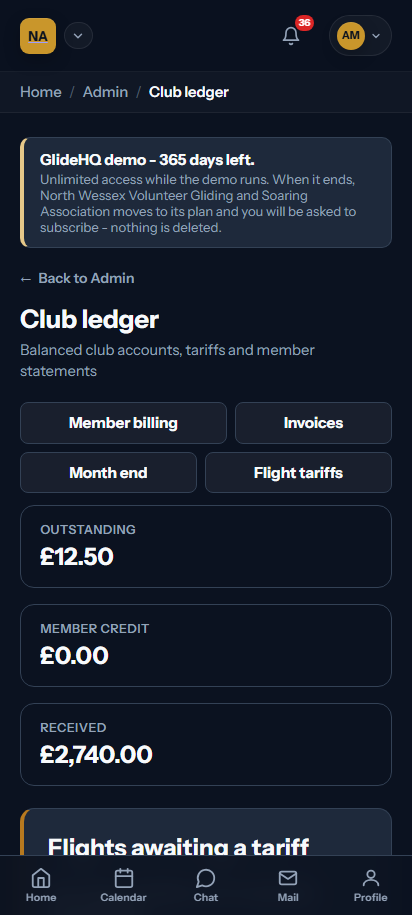
The club tariff creates a traceable charge.
- 05Reporting
Source-owned reports see the same flight.
Reconcile
Close the day with a visible record
Flying-day reconciliation
Flying-day reconciliation shows blocking issues and uses stable replay controls. It does not silently skip uncertain work.
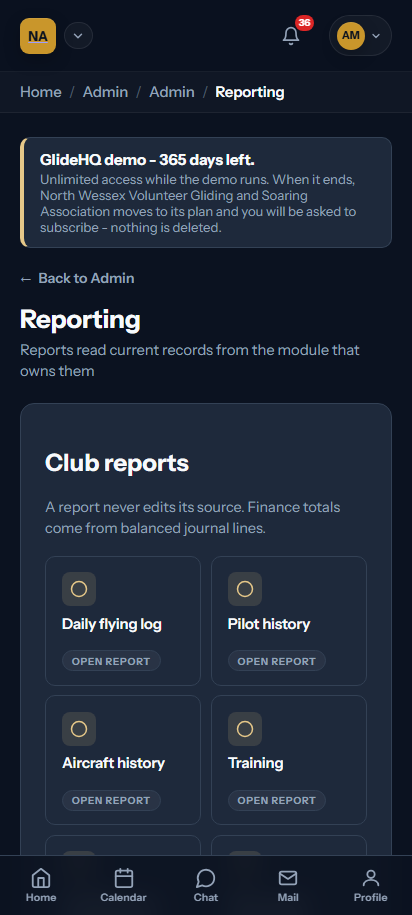
Discuss your workflow