Flying operations
Gliding Club Flying Operations Software
Keep the launch queue, take-off, landing, aerotow links and final checks around one operational flight.
The boundary
The problem
Flying operations records
A flight should not become one queue row, another paper entry and a third record for charging. GlideHQ keeps its operational history together.
The model
Inputs, owner and outcomes
Connected club records
Source facts
Flying day Aircraft Pilot facts Launch methodOwned consequences
Confirmed flight Usage Training ChargesThe workflow
Four clear steps
Flying operations workflow
-
01
Prepare
Flying-day setup
Set the airfield, operating configuration, launch points and people for the day. -
02
Queue
Flight queue
Choose aircraft and crew, then link tug and glider movements for an aerotow. -
03
Fly
Launch and landing records
Capture launch and landing facts while keeping manual controls available. -
04
Confirm
Flight confirmation
A person reviews the evidence before consequences leave Operations.
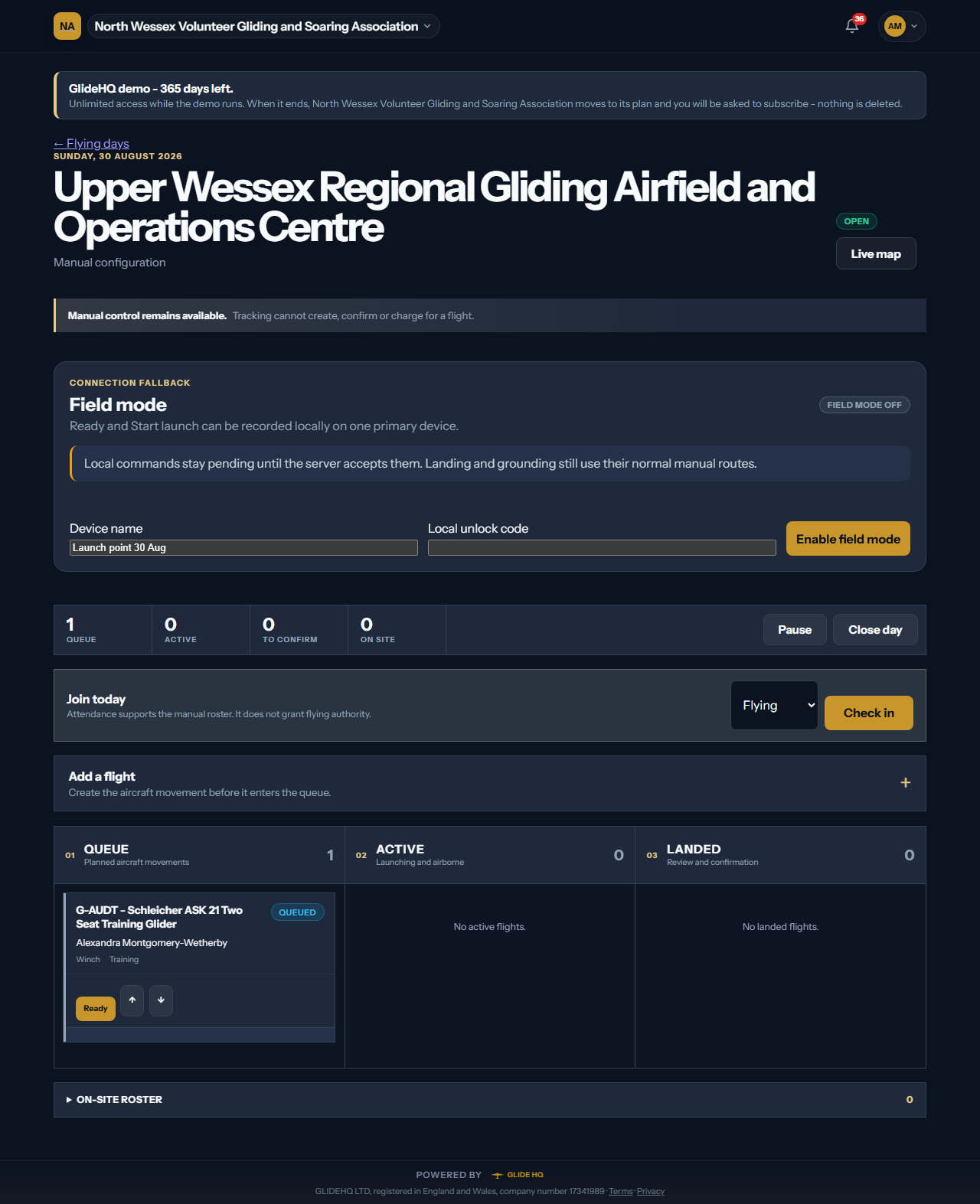
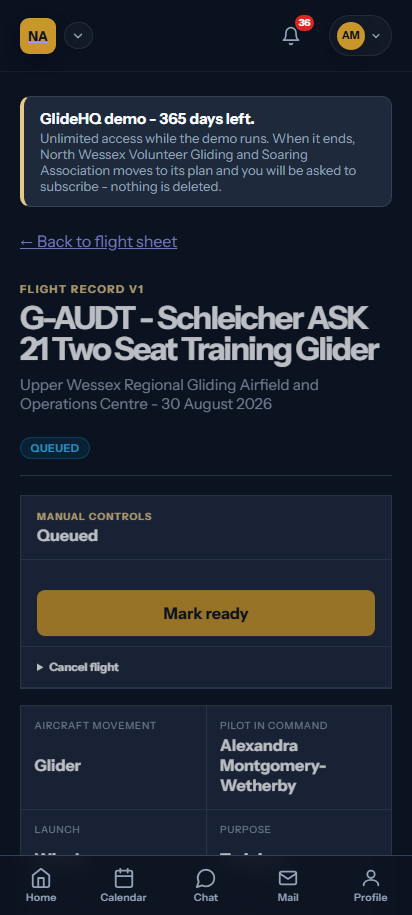
Real product
Built and running locally
Flying operations screens
The screen uses generated club records. It contains no live member or club data.
What it covers
Flying operations features
- 01
One flight aggregate from queue entry to confirmation.
- 02
Separate linked glider and tug movements for aerotow.
- 03
Offline-ready launch controls for an unreliable field connection.
- 04
Signed reconciliation with visible blocking issues.
Pilot programme
Flying operations questions
Tell us where your current process breaks. Pilot conversations start with the workflow, not a sales script.
Join the pilot