
Fleet
Glider Fleet Management Software
Manage club aircraft, ownership, loading, documents, inspections, defects and operational restrictions.
The boundary
The problem
Fleet records
Closing a defect does not always mean an aircraft is ready to fly. Treating those actions as identical hides a decision that should stay visible.
The model
Inputs, owner and outcomes
Connected club records
Source facts
Aircraft facts Inspections Defects RestrictionsOwned consequences
Serviceability Usage history Reinstatement Fleet reportsThe workflow
Four clear steps
Fleet workflow
-
01
Record
Aircraft records
Store ownership, loading, documents and inspection dates with the asset. -
02
Restrict
Operational restrictions
Ground or restrict the aircraft with a reason that operators can see. -
03
Resolve
Defect closure
Record what was done without silently changing operational status. -
04
Reinstate
Aircraft reinstatement
Use a separate audited action to restore serviceability.
Real product
Built and running locally
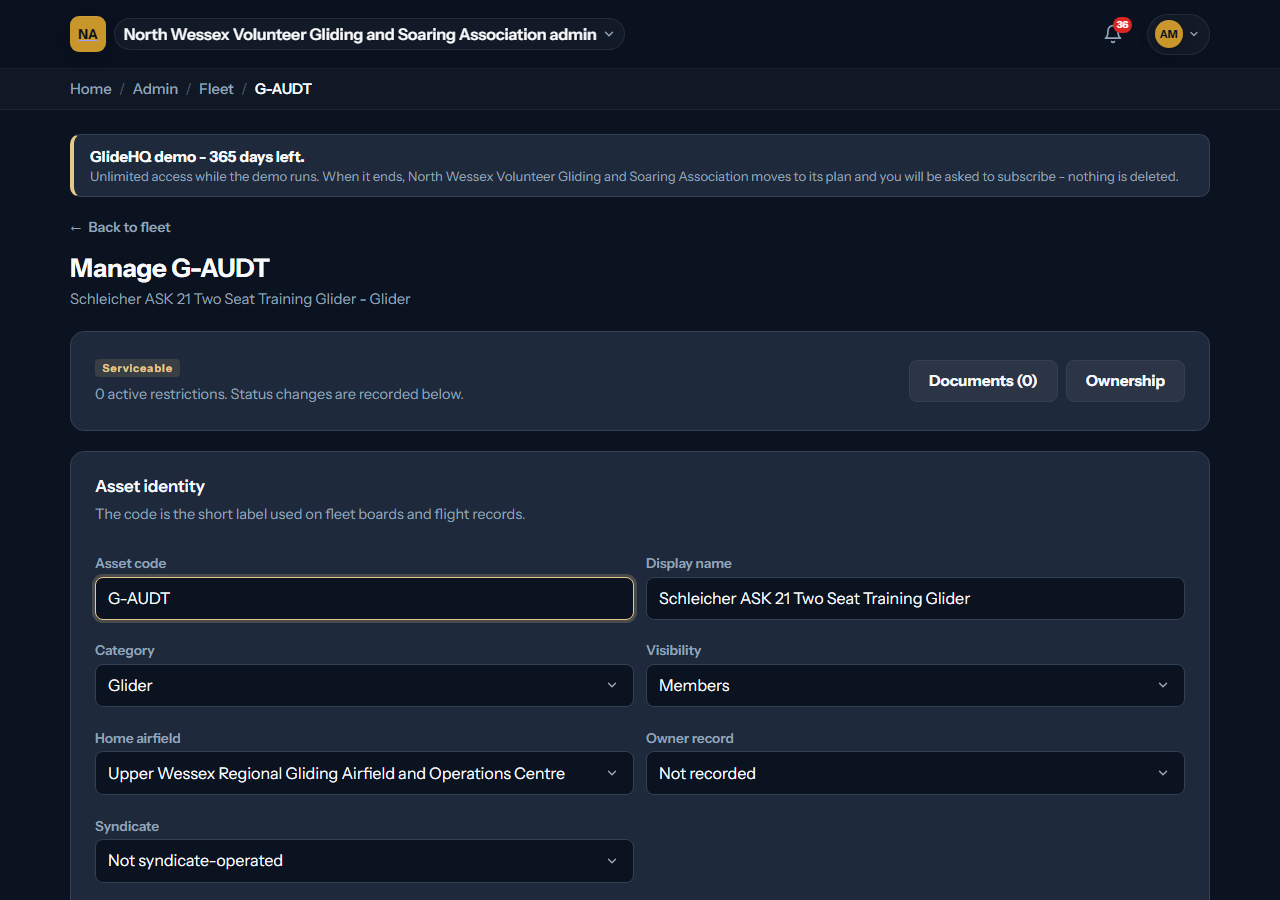
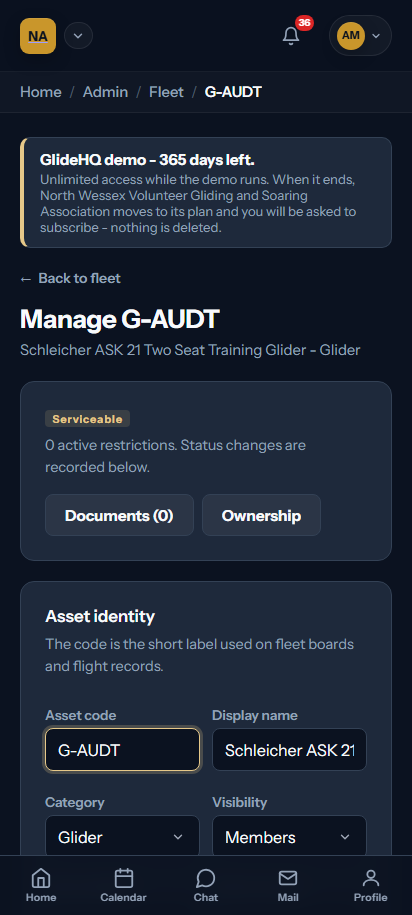
Fleet screens
The screen uses generated club records. It contains no live member or club data.
What it covers
Fleet features
- 01
Gliders, tugs, winches and other fleet assets.
- 02
Effective loading and ownership records.
- 03
Named defects and restrictions.
- 04
Authorised operational reinstatement.
Pilot programme
Fleet questions
Tell us where your current process breaks. Pilot conversations start with the workflow, not a sales script.
Join the pilot